(Not) Setting up OpenWRT on a Linksys MR8300 for KPN Glass Fibre Internet
I have a Fritz!Box 7590 that I rent from my internet provider, KPN, and it works extremely well in conjunction with two Fritz!Repeater 2400's that I bought. As with many standard firmwares it has little or no firewall that the user can control nor can I set up separate networks in software for IoT devices. As a replacement I bought a Linksys MR8300 after confirming that it is supported by OpenWRT.
KPN provides internet, TV and telephone via glass fibre with the internet on VLAN6, IPTV on VLAN4 and phone on VLAN7 (I don't use the fixed phone due to the number of scam callers).
On its' newer routers, Linksys presents obstacles firstly to prevent manual setup even if you want to use their firmware and later to prevent flashing alternative firmware but these can be circumvented. I had to setup a Linksys account in order to login to the router, there may be a way to avoid this but I couldn't find it. Even with the online login I was asked for a (local) router password that I did not recall having setup, even a reset to factory settings did not remove this request but clicking the password reset link allowed me to use the 5 digit code on the bottom of the router to get in. It's possible that doing this local password reset would avoid the need for an online account.
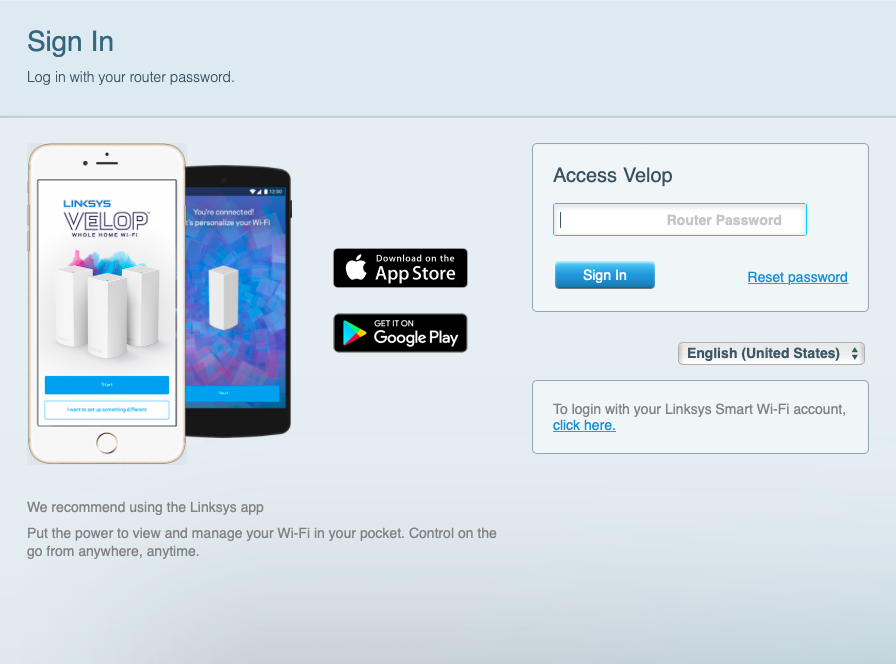
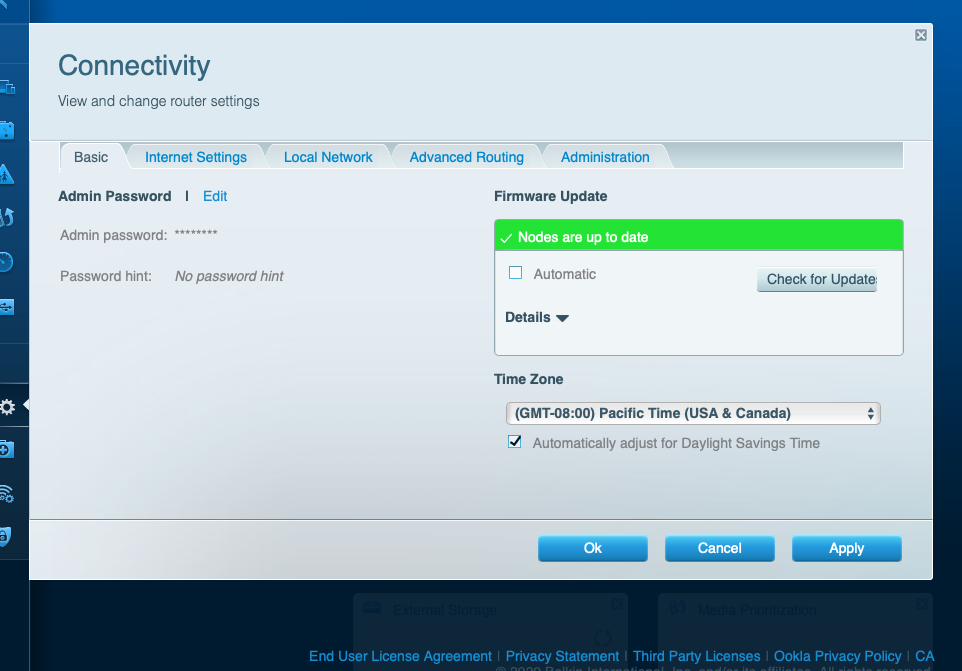
Once in and you have navigated to the upgrade page there is no option for manual flash until you click the CA link in the footer then OpenWRT can be flashed in the regular way.
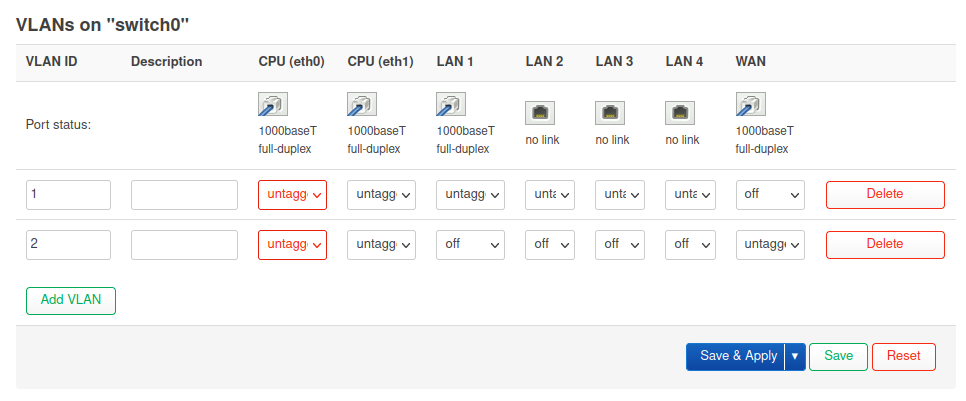
After days of searching the forum and any other links I worked out that the VLANs I need to setup the router are not supported correctly in the firmware due to OpenWRT misunderstanding the switch configuration related to the IPQ40XX hardware, luckily for me this was fixed in a snapshot r18777-1847382456 from January 2022. This fixes the missing WAN port from the switch graphic which needs to look like this before setup and more importantly allows VLAN setup on WAN.
Snapshots do not include the LuCi graphical interface so I had to do the following
me@linux> ssh root@192.168.1.1
root@OpenWrt:~# passwd <--set a root password
root@OpenWrt:~# opkg update <--the package database is empty until this point
root@OpenWrt:~# opkg install luci nano <-- install LuCi and the nano editor
Backup the config files
Lesson learned from the first attempt is to keep a copy of the auto-generated config files, these are the only ones I expect to be changing, if I change others I will back them up as well.
root@OpenWrt:~# cd /etc/config
root@OpenWrt:/etc/config# cp network network.original
root@OpenWrt:/etc/config# cp wireless wireless.original
root@OpenWrt:/etc/config# cp firewall firewall.original
After this I visited 192.168.1.1 from a Firefox and couldn't login, the login screen appeared as expected but after typing the password and hitting enter there was no error message, the screen would refresh and ask again for a password. There are various suggestions including changing permissions on the /etc/shadow file and copying a default version of this file from ROM however what worked for me was successfully connecting from a private browser window indicating that I had a cookie problem and after I cleared all cookies and history I could connect as usual.
A quick look in /etc/config/network suggests there is one WAN port and one LAN switch, I think the instructions I was following before assumed a single physical switch for both with VLAN's to separate them..
Enable Wifi
All the WiFi radios are disabled as mentioned. There is one 2.4GHz (radio1) and two 5GHz (radios 0, 2) of which radio2 is restricted to channel 64 and below and radio0 is restricted to channel 100 and up, this is to support the mesh networking with one of the 5GHz radios being a backhaul.
config wifi-device 'radio0'
    option type 'mac80211'
    option channel '100'
    option hwmode '11a'
    option path 'soc/40000000.pci/pci0000:00/0000:00:00.0/0000:01:00.0'
    option htmode 'VHT80'
    option disabled '1' <--radio is off so the next block does nothing (yet)

config wifi-iface 'default_radio0'
    option device 'radio0'
    option network 'lan'
    option mode 'ap'
    option ssid 'OpenWrt'
    option encryption 'none'
I set up the Wifi on the 2,4GHz and 5GHz frequencies via LuCi because it's slightly easier although editing /etc/config/network directly is not difficult. Two WiFi interfaces were added and the corresponding option disabled lines were removed. I'll change the AP name later but I need to keep it different from my existing home network until I get this one working. The first time I tried this, the GUI defaulted to leaving the network blank which meant that the line option network 'lan' was missing and although I could connect to the SSID, nothing more happened until this line was added presumably because the WLAN was not connected to the LAN.
config wifi-iface 'wifinet3'
    option device 'radio1'
    option mode 'ap'
    option ssid 'OpenWrt'
    option encryption 'psk' <--WPA2
    option key '**********'
    option network 'lan'<--without this, the WiFi connection won`t reach LAN or WAN

config wifi-iface 'wifinet4'
    option device 'radio2'
    option mode 'ap'
    option ssid 'OpenWrt'
    option encryption 'psk'
    option key '**********'
    option network 'lan'
Connecting to the internet
I followed these instructions from the OpenWrt website however they appear to be wrong for this router and I got stuck even trying to connect to the Internet long before I tried to sort out VLAN's.
Next step was to follow the guide here but replacing eth2.6 with eth1.6. This is easier to do by directly editing the config file to immediately create the eth1.6 interface. This also did not work with the router unable to establish a pppoe connection, I tried with pppoe-discovery from the command line which claims to offer more diagnostics but I got no more than PADI timeout errors. At this point I've been trying for weeks to simply establish an internet connection with OpenWrt on this router and failed so I decided to reset the router to the Linksys firmware and recoup some of my outlay by selling it on.